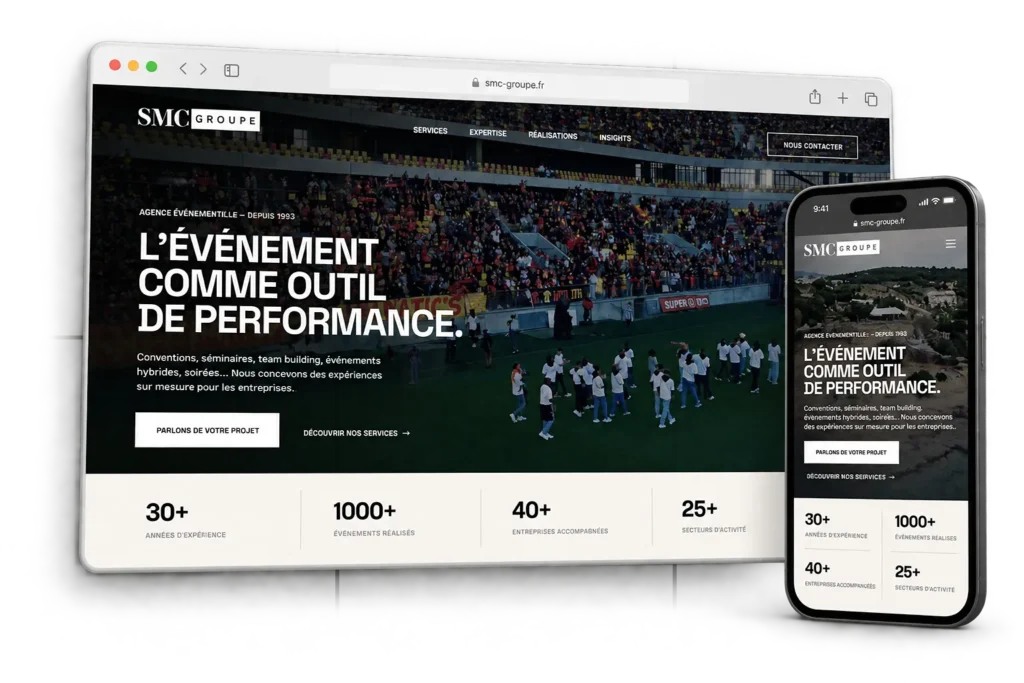
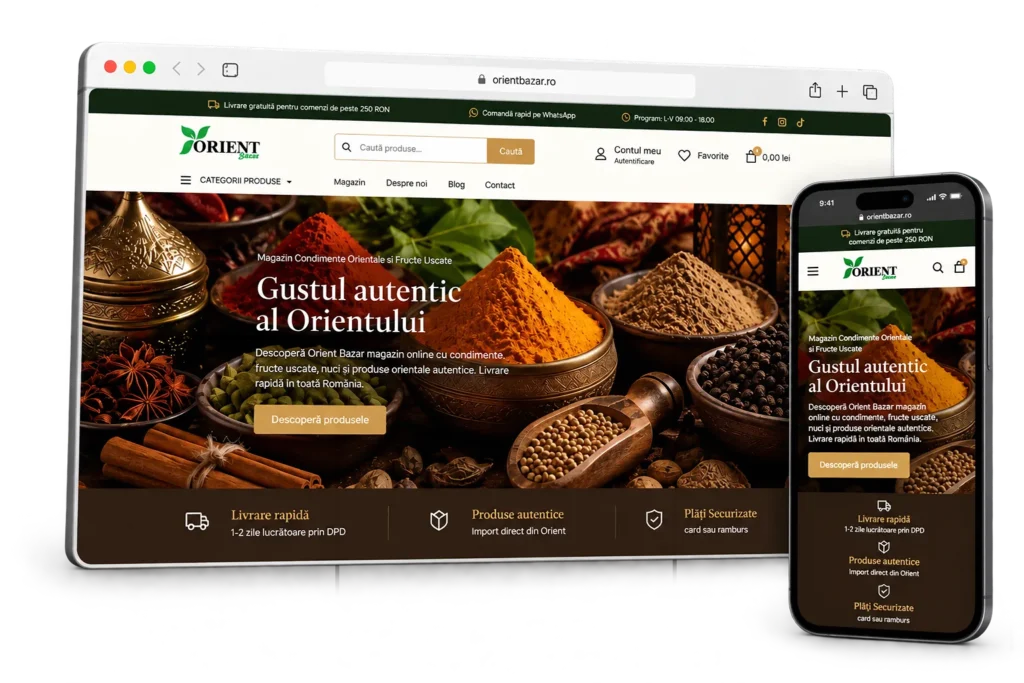
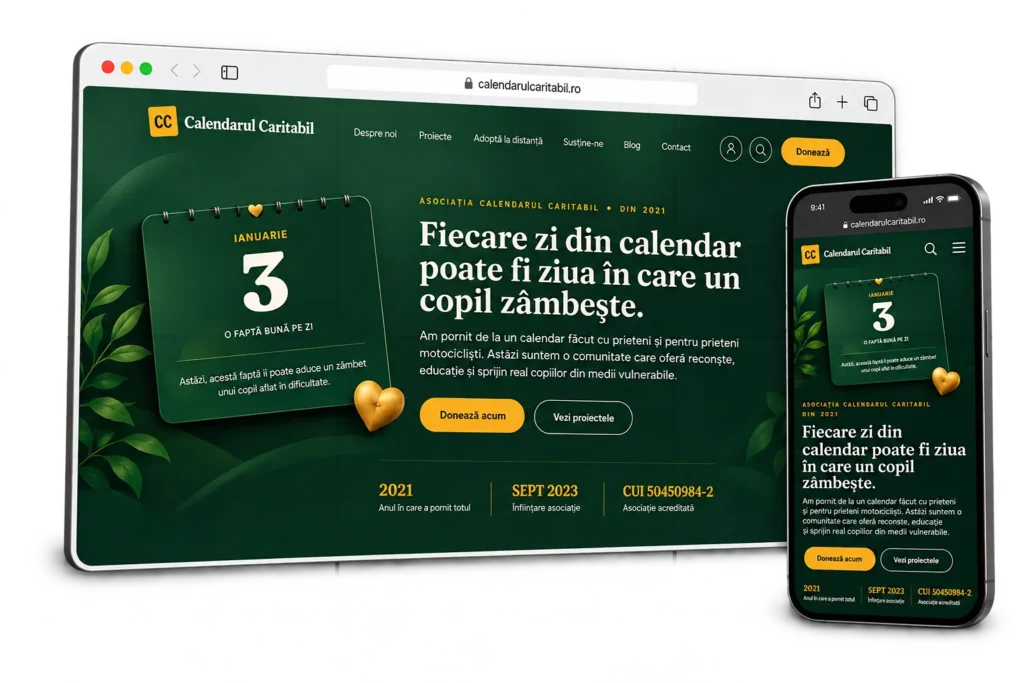
Connect your website with the systems your business already uses.
Integrations and automated workflows that move data between WordPress, WooCommerce and external platforms, reducing repetitive work and keeping systems in sync.
When systems need to work together, connect the right parts.
An integration should remove friction, not create another layer of complexity. I start by understanding which systems need to exchange information, what data moves between them and what should happen automatically.
Where reliable APIs, feeds or existing platform tools are available, I use them. Custom logic is added only where the standard connection does not cover the real workflow.
Connections and workflows built around the systems you already use.
The scope can range from a focused API connection to a multi-step synchronisation or automated workflow spanning WordPress, WooCommerce and external services.
API integrations
Connect WordPress or WooCommerce to external platforms through REST APIs and other supported interfaces.
Data synchronisation
Keep products, inventory, customers, orders or other business data aligned between systems.
Product & catalogue feeds
Import, transform and update product information from suppliers, ERP systems or other catalogue sources.
Workflow automation
Automate repetitive steps such as imports, status updates, notifications, exports and data handling.
Third-party platform connections
Connect the website with CRMs, business tools, fulfilment systems, marketplaces or other external services.
Custom integration logic
Add validation, mapping, transformation and business rules where a direct one-to-one connection is not enough.
When an integration or automation is the right next step.
This service fits projects where the website already works, but information still has to be copied, updated or coordinated manually between different systems.
- The same information is being entered or updated manually in more than one system.
- WordPress or WooCommerce needs to exchange data with a CRM, ERP, supplier, marketplace or another platform.
- Product, inventory, order or customer information needs to stay synchronised automatically.
- A recurring import, export or status update is taking unnecessary manual time.
- An existing integration covers part of the workflow but needs custom rules, mapping or automation.
From disconnected systems to a reliable automated workflow.
I map the systems, data and triggers first, then build the smallest reliable connection that keeps the workflow clear, maintainable and easy to monitor.
Understand
Define the systems involved, the data that needs to move and the result the workflow needs to produce.
Map the flow
Map triggers, field relationships, transformation rules, failure cases and the direction of each data flow.
Build
Build the integration or automation around the available APIs, feeds and the agreed workflow.
Connect
Connect WordPress or WooCommerce with the external systems and apply the required mapping and business logic.
Test & monitor
Test real data, failures and edge cases, then add the logging or safeguards needed to keep the workflow reliable.
Integrations and automation for different business models.
The systems may be different, but the objective is consistent: reduce manual handling and let information move where it needs to go.
B2B & corporate
Connect websites with CRMs, internal systems and operational tools for more complex products and workflows.
Service Businesses
Connect enquiries, bookings or customer data with the tools used to manage the business behind the website.
Online stores
Synchronise products, inventory, orders and fulfilment data between WooCommerce and external platforms.