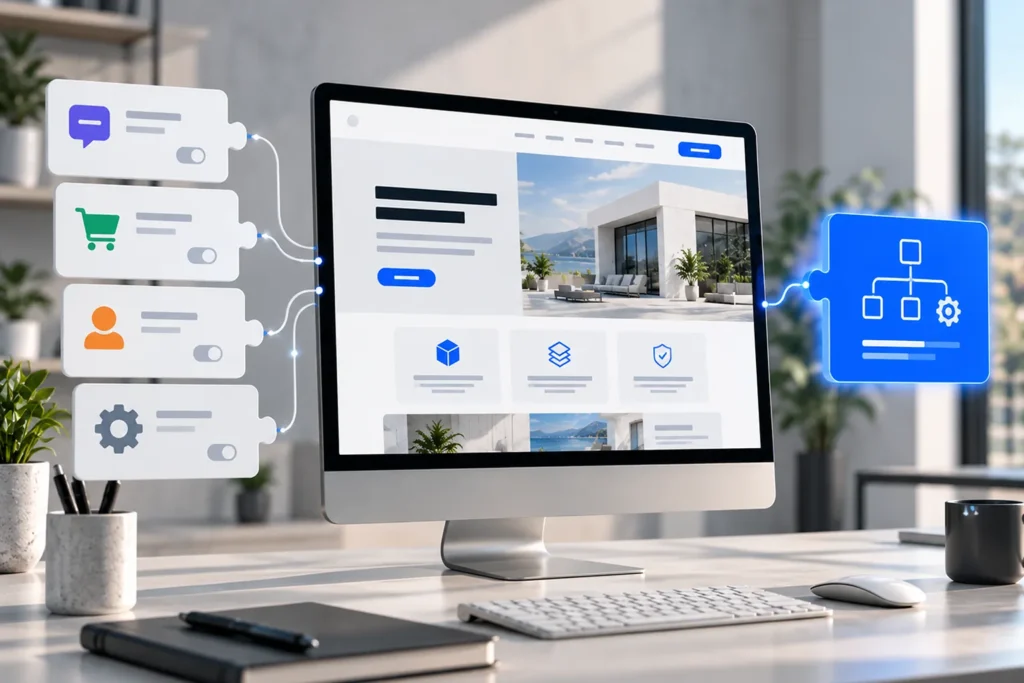
One of WordPress’s greatest advantages is its ability to extend a website through plugins. Businesses can introduce booking systems, contact forms, e-commerce capabilities, multilingual content, and countless other features without developing everything from scratch.
For many requirements, this is exactly the right approach. A reliable, well-supported plugin can reduce development time, simplify maintenance, and provide functionality that would otherwise require substantial investment.
However, the availability of a plugin does not automatically make it the right solution.
Businesses sometimes discover this after installing several extensions, adapting their processes around the available settings, or paying for additional features that still do not meet their requirements.
What initially appeared to be a straightforward implementation becomes difficult to manage, expensive to maintain, or unnecessarily restrictive.
The underlying problem is rarely WordPress itself. More often, the chosen tools were designed for a general use case while the business needs something more specific.
Understanding when to use an existing plugin, when to extend it, and when to develop custom functionality is an important part of creating a sustainable WordPress website.
Why WordPress Plugins Are Usually the Right Starting Point
WordPress is designed to be extended. Its plugin system allows developers to introduce new functionality without modifying the platform’s core files.
This architecture makes it possible to build a wide range of websites while retaining a common, maintainable foundation.
According to the official WordPress Plugin Developer Handbook, plugins can range from simple extensions to complex applications, using WordPress APIs and hooks to integrate with the platform.
For businesses, this flexibility provides a significant advantage.
Existing Plugins Can Reduce Development Complexity
Consider a service business that needs a straightforward contact form with email notifications and basic spam protection.
Developing a completely custom form management system would rarely provide meaningful value if an established plugin already meets those requirements.
The same principle applies to many common features, including search engine optimization tools, standard payment integrations, and basic content management enhancements.
An existing solution can also benefit from continued development, documentation, and compatibility updates provided by its maintainers.
However, those advantages depend on the specific plugin’s quality and suitability.
A plugin with extensive functionality is not necessarily better than one designed to perform a smaller task reliably.
The objective should be to select the simplest maintainable solution that satisfies the actual requirements.
When Your Business Process Does Not Fit the Plugin
The first significant warning sign appears when a business must change an established workflow simply to accommodate how a plugin operates.
Some adjustments may be reasonable, particularly when a plugin introduces a more efficient process.
But when important operational requirements cannot be represented correctly, the software may be unsuitable.
Generic Features Cannot Always Represent Specific Requirements
Imagine a company offering services that require several stages of approval.
An enquiry may need to be assigned to a particular department, checked against existing customer records, reviewed by a manager, and transferred to an external system.
A conventional contact form plugin can collect the initial information, but the subsequent workflow may require more than its available features.
Adding separate extensions for conditional logic, notifications, external connections, and approval management could work.
Alternatively, it might introduce overlapping rules and make the process difficult to understand.
In this situation, a purpose-built solution can represent the workflow directly, with clear responsibilities and predictable behaviour.
This does not necessarily mean replacing the original form plugin. It may be more practical to retain its interface while developing a custom component to handle the business-specific processing.
Excessive Workarounds Indicate a Poor Fit
Another warning sign is the growing number of adjustments required to make a plugin behave differently from its intended design.
A small modification is not inherently problematic. WordPress provides hooks and APIs specifically to support customization.
The concern arises when almost every requirement depends on overriding the plugin’s default behaviour.
If a simple business change requires editing several compatibility functions or reworking custom code, the solution may be unnecessarily fragile.
At that point, the development team should reconsider whether extending the plugin remains a sensible investment.
When Multiple Plugins Create More Problems Than They Solve
Plugin quantity is frequently used as a simplified measure of website quality.
In practice, the number of installed plugins tells us relatively little without understanding what those plugins do.
A website with numerous lightweight, well-maintained extensions may perform reliably. Another website with only a few poorly developed plugins could experience serious problems.
The important consideration is how the components interact.
Overlapping Functionality Creates Unnecessary Dependencies
Consider a WooCommerce website using separate extensions for pricing rules, customer segmentation, promotional offers, shipping conditions, and product restrictions.
Each plugin may work correctly in isolation.
Problems can arise when several extensions need to modify the same product price, checkout calculation, or customer eligibility rule.
The order in which modifications execute can affect the final result, while debugging becomes more complicated because several components share responsibility.
A custom solution may be appropriate when these individual features are actually parts of one coherent business process.
Rather than maintaining several overlapping rule engines, developers can create a single, documented implementation around the company’s requirements.
This approach can simplify maintenance, but only when the custom code is designed and tested properly.
Integration Complexity Can Become Difficult to Manage
Similar challenges occur when WordPress needs to exchange information with external software.
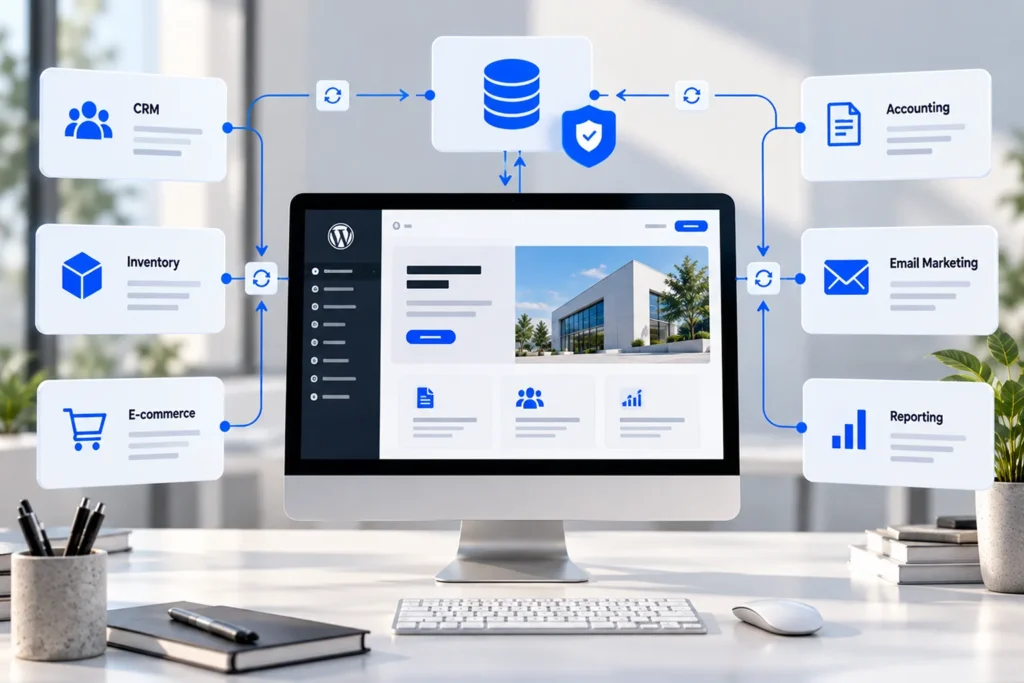
A business might connect its website to a CRM, accounting platform, inventory system, or internal management application.
An existing connector may support basic data transfers but lack important field mappings, validation rules, or synchronization controls.
If the company needs reliable bidirectional synchronization or specific error-handling behaviour, a generic integration plugin may become restrictive.
Our article on what to define before connecting WordPress to another system examines the planning decisions that make these integrations more predictable.
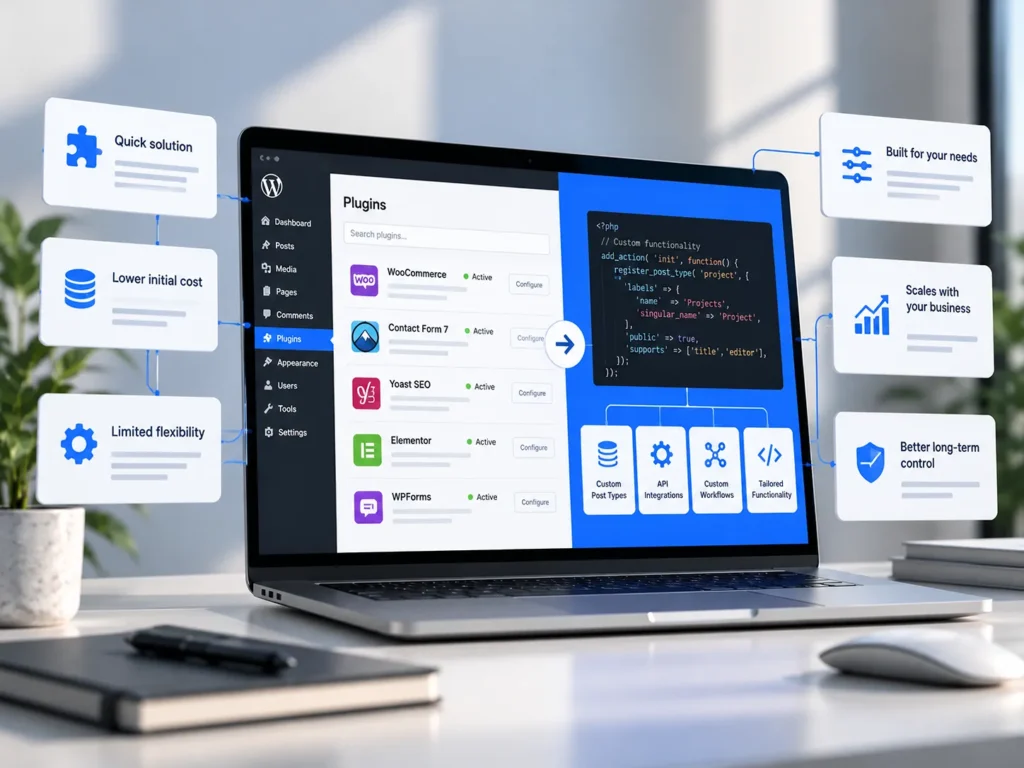
When Plugin Limitations Affect Website Performance
Performance is another reason businesses consider replacing existing plugins with custom functionality.
However, it is important to avoid assuming that plugins are inherently slow or that custom code will automatically improve performance.
Both approaches can introduce inefficient queries, excessive scripts, or unnecessary processing.
Investigate the Actual Cause of Performance Problems
A plugin might load frontend assets on every page even though its functionality appears in only one section.
Another extension could perform expensive database operations during checkout or repeatedly request information from an external API.
These problems need to be investigated using appropriate profiling and monitoring tools.
WordPress’s Plugin Developer Handbook on best practices discusses conditional loading and code organization as part of responsible plugin architecture.
WordPress Developer Resources
This demonstrates that many performance problems can be addressed through better implementation rather than replacing the entire component.
Custom development becomes more attractive when a plugin performs substantial unnecessary work because it was built to support use cases the website does not need.
A focused implementation may avoid that overhead.
Nevertheless, the improvement should be established through testing, not assumed from the fact that the code is custom.
When Security and Data Protection Require Greater Control
Website security depends on more than selecting reputable plugins.
Every component that processes user input, stores information, or communicates with another system needs appropriate security controls.
Existing plugins and custom implementations can both contain vulnerabilities.
The decision should therefore consider the sensitivity of the data, the functionality involved, and the availability of reliable maintenance.
Evaluate How a Plugin Handles Business Data
A standard feature may become unsuitable when it sends information to external services that the business did not intend to use.
For example, an extension could rely on a third-party platform to process form submissions, store customer details, or deliver automated communications.
This may be acceptable when the arrangement is transparent and appropriately governed.
It becomes problematic when the business requires specific data handling, retention, or hosting arrangements that the service cannot support.
For companies operating within the European Union, these decisions also involve data protection responsibilities.
The GDPR establishes principles of data protection by design and by default under Article 25. These require relevant safeguards to be considered when determining how personal data will be processed and when that processing occurs.
The official GDPR text on EUR-Lex provides the legal framework.
Custom development may offer greater control over information flows, but it does not automatically ensure GDPR compliance.
The implementation still needs appropriate technical measures, documentation, access restrictions, retention rules, and lawful processing arrangements.
Maintenance Matters Regardless of Development Approach
Using custom functionality also means accepting responsibility for maintaining it.
Developers need to consider input validation, authorization checks, output escaping, database operations, and compatibility with future WordPress releases.
Poorly maintained custom code can introduce more risk than a thoroughly tested plugin.
This is why responsible development decisions should consider who will maintain the solution after launch, how changes will be tested, and whether its behaviour is adequately documented.
When Custom Development Provides a Better Long-Term Investment
Custom functionality usually involves a greater initial development commitment than installing an existing plugin.
That does not necessarily make it more expensive over the lifetime of the website.
The comparison depends on licensing, configuration, ongoing maintenance, troubleshooting, and the ability to accommodate changing business requirements.
Consider the Total Cost of Ownership
Imagine a company paying for several premium extensions to implement one specialised workflow.
The licensing costs may be manageable initially.
However, the business may also require developer assistance whenever an update affects compatibility or when a new operational requirement appears.
Over time, maintaining multiple extensions and their custom workarounds could cost more than implementing a purpose-built system.
The opposite can also be true.
A mature commercial plugin may provide years of reliable functionality for considerably less than developing and maintaining a custom equivalent.
The correct decision requires evaluating the expected costs and benefits in context.
Custom Development Should Solve a Specific Problem
A business should not invest in custom development solely because it wants its website to be unique.
Distinctive visual presentation and specialised functionality are separate considerations.
Custom development becomes valuable when it supports requirements that are important to the business and cannot be implemented efficiently through existing tools.
This might involve specialised pricing, automated document creation, approval processes, conditional access rules, or connections to internal systems.
The resulting functionality should simplify operations, improve reliability, or enable something that would otherwise be difficult to achieve.
Without a clear operational benefit, custom development may simply introduce additional maintenance responsibilities.
A Custom Plugin Is Often Better Than Modifying an Existing Theme
Custom WordPress functionality should also be implemented in an appropriate location.
Some businesses accumulate substantial custom code inside their active theme, particularly in the functions.php file.
Although WordPress permits this, business functionality that needs to survive a theme change is generally better maintained separately.
Separate Business Logic From Visual Presentation
WordPress’s Theme Developer Handbook recommends placing functionality that should remain available independently of the website’s design inside a plugin.
For example, a custom content type representing company projects should not necessarily disappear simply because the visual theme changes.
The same principle applies to integrations, business rules, and administrative tools.
A dedicated custom plugin allows this functionality to be developed, updated, and maintained independently of the presentation layer.
That separation is particularly useful for websites expected to evolve over several years.
Build Only What the Business Actually Needs
Purpose-built does not need to mean complicated.
A well-designed custom WordPress plugin might contain a relatively small amount of code, provided it addresses a clearly defined requirement.
The development approach should match the complexity of the problem.
Adding unnecessary abstraction, dependencies, or elaborate administrative interfaces can make a custom solution harder to maintain than the original plugin.
Good development involves understanding what to build, but also recognising what does not need to be built.
How to Decide Between an Existing Plugin and Custom Development
The best approach is to evaluate requirements before selecting technology.
That evaluation should begin with the business process and the outcomes it needs to achieve.
Developers can then examine whether existing WordPress tools support those requirements without excessive customization.
Test Realistic Requirements Before Committing
A plugin demonstration may show how a feature works under ideal conditions, but a real business implementation often introduces additional complexity.
For example, a booking system should be assessed against actual availability rules, cancellation policies, staff assignments, notifications, and external calendar requirements.
If the plugin supports most requirements directly, it may be the sensible choice.
If essential behaviour depends on undocumented modifications or unreliable workarounds, a different approach deserves consideration.
Proof-of-concept development can be useful for particularly complex requirements, especially when integration behaviour or performance characteristics are uncertain.
Consider a Hybrid Approach
The decision does not always need to be entirely between an off-the-shelf plugin and a fully custom system.
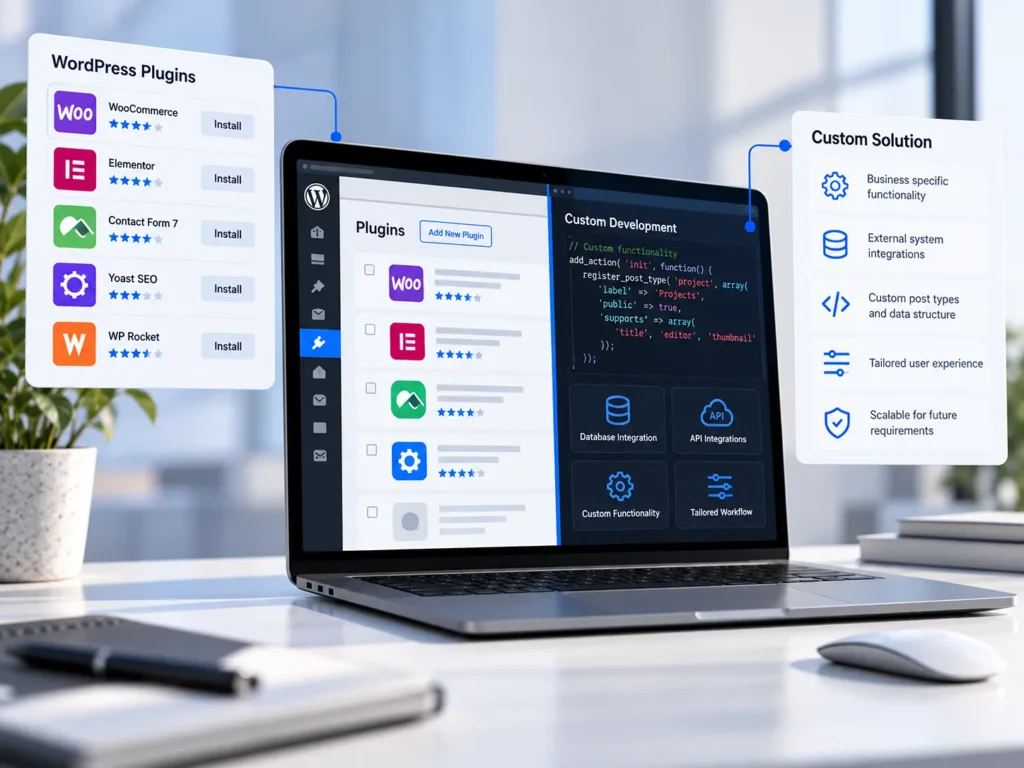
A hybrid approach can combine established WordPress functionality with custom components that handle specialised requirements.
A WooCommerce store, for example, might retain the platform’s standard product management and checkout capabilities while introducing custom pricing rules or connections to external inventory software.
This can preserve the benefits of an established ecosystem while avoiding unnecessary compromises.
Our article on why e-commerce complexity often sits behind the storefront explores the operational requirements that frequently shape these decisions.
The Best Solution Is the One That Fits the Business
WordPress plugins provide businesses with access to an extensive range of capabilities, and replacing established solutions without a clear reason rarely makes sense.
The difficulty begins when a plugin’s limitations influence important business processes, create unnecessary dependencies, or make future changes excessively complicated.
In those situations, custom development can provide a more focused and maintainable approach.
The decision should be guided by practical requirements, technical evidence, long-term costs, and the availability of appropriate maintenance.
At Designite, we build WordPress websites and custom functionality around how businesses operate. This includes using existing tools where they are suitable, extending them when appropriate, and developing purpose-built solutions when standard functionality cannot adequately support the requirements.
If your website depends on multiple plugins, complicated workarounds, or functionality that no longer fits your business, contact Designite to discuss a more suitable approach.
The objective is not to use fewer plugins or write more custom code. It is to create a WordPress website that works reliably, supports your operations, and remains practical to maintain.