An existing WordPress website does not necessarily need to be rebuilt simply because it looks outdated, feels slower than expected, or no longer represents the business particularly well.
In many cases, targeted improvements can address these problems without replacing the entire website. A redesigned homepage, better content structure, performance optimization, or updated functionality may be sufficient.
However, there are situations where continuing to improve an existing website becomes more complicated and expensive than creating a new foundation.
The challenge is knowing the difference.
Business owners frequently approach website redevelopment with understandable concerns. They have already invested in their existing website, accumulated content, and potentially established valuable search visibility. Starting again may appear wasteful, particularly when parts of the website still function correctly.
At the same time, preserving a website simply because it already exists can result in additional maintenance costs, technical compromises, and limitations that affect future development.
The right decision depends on the condition of the current website, the requirements of the business, and whether the existing foundation can support those requirements efficiently.
Start by Understanding What Is Actually Wrong
Before deciding to rebuild a WordPress website, it is important to separate visible problems from underlying technical limitations.
A website can look dated while having a perfectly maintainable foundation. Another website might appear modern but depend on outdated plugins, fragile customizations, or poorly structured content.
These situations require very different solutions.
Cosmetic Problems Do Not Always Require a Rebuild
If the main concerns involve typography, spacing, colour, imagery, or page layouts, redesigning specific sections may be the most practical approach.
WordPress websites built with a well-maintained theme or an established page builder can often accommodate substantial visual improvements without replacing their content management structure.
An existing service page, for example, may benefit from clearer messaging, improved navigation, and a more effective call to action.
If its underlying content and functionality remain suitable, rebuilding the entire website offers limited additional value.
Visual design should respond to business requirements rather than become the sole reason for replacing a working system.
Our article on what a business website needs to do before it needs to look impressive explores why website objectives and usability should guide these decisions.
Structural Problems Require a Closer Examination
Some limitations are more difficult to address through isolated improvements.
A website might have grown without a coherent structure, resulting in overlapping service pages, inconsistent templates, duplicated content, and navigation that no longer reflects the business.
If these problems are limited to content organization, restructuring may still be possible within the existing installation.
However, when content is tied to rigid templates, obsolete custom fields, or outdated development methods, improvements can become increasingly difficult to implement.
At that point, a rebuild deserves serious consideration.
Evaluate the Technical Health of Your WordPress Website
WordPress itself is not inherently unreliable or difficult to maintain. Problems usually arise from the particular combination of themes, plugins, custom code, hosting configuration, and maintenance practices used by a website.
A technical audit can reveal whether an existing installation is fundamentally sound.
Review Themes, Plugins and Custom Code
A useful starting point is identifying which components are essential to the website and whether they remain actively maintained.
A large number of plugins does not automatically mean poor performance. Similarly, having only a few plugins does not guarantee that a website is efficient or secure.
The important questions concern code quality, compatibility, overlapping responsibilities, and dependencies.
Consider a website where several plugins provide similar functionality, while custom modifications have been added directly to a theme that no longer receives updates.
Updating one component might affect several others, making routine maintenance unpredictable.
WordPress provides a built-in Site Health tool that reports technical information and highlights certain configuration concerns. Its official Site Health documentation explains how the checks work and what information they provide.
This is a useful diagnostic starting point, although a detailed evaluation also requires code review, performance testing, and examination of critical workflows.
Determine Whether Technical Problems Are Isolated
A slow website does not automatically require a rebuild.
The cause might be oversized images, inefficient database queries, unnecessary scripts, poor caching, or unsuitable hosting.
These problems can often be corrected independently.
More significant concerns arise when poor performance results from the architecture itself, such as deeply nested page-builder elements, redundant frontend assets, or custom functionality that creates excessive database activity.
Even then, rebuilding should follow investigation rather than assumption.
The objective is to determine whether the existing system can be improved sustainably, not simply whether a new installation could produce better initial test results.
Consider Whether the Website Still Reflects the Business
Businesses change over time.
New services are introduced, audiences expand, internal processes evolve, and the website may gradually become disconnected from the company’s current operations.
This is particularly common when a website originally developed as a simple company presentation begins supporting more complex requirements.
When Content Architecture Becomes a Limitation
Imagine a business that launched with five basic pages but now offers multiple service categories, operates across different markets, and needs detailed project portfolios.
The original website might not have been designed for this level of complexity.
New pages are added wherever they fit, navigation becomes increasingly crowded, and related content is difficult to manage consistently.
In such circumstances, the question is not simply whether the website needs a different design.
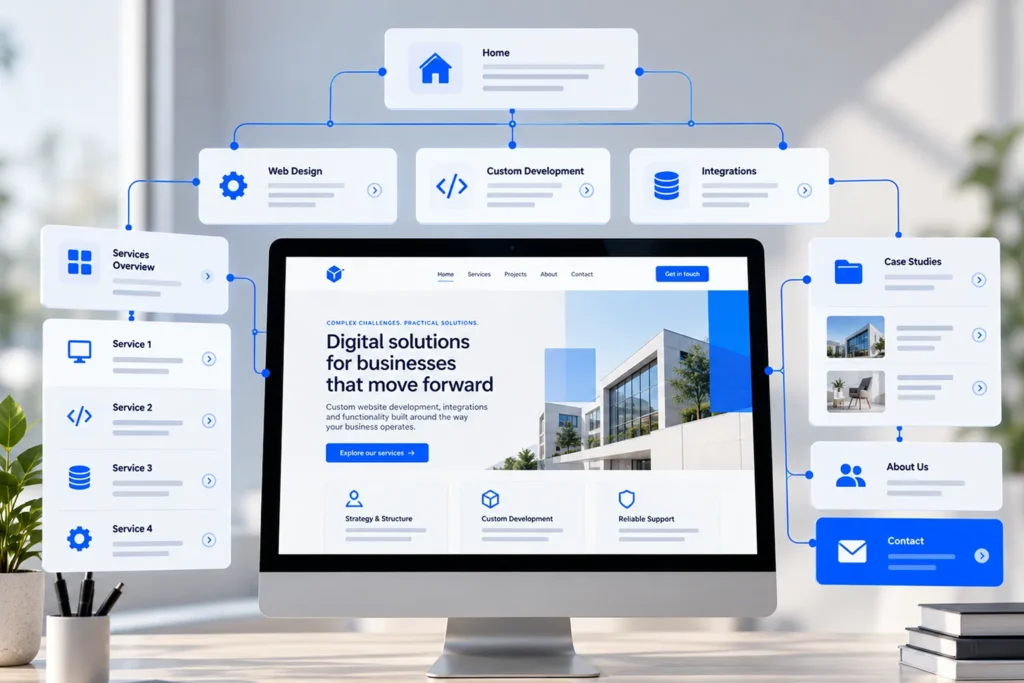
It may require a new information architecture, improved content models, and reusable templates that reflect how the business currently operates.
WordPress supports custom post types, taxonomies, and structured content, but these capabilities need to be implemented appropriately.
Our article on structuring websites for complex services examines how businesses can organize complicated offerings into a clearer website structure.
When Business Processes Have Outgrown Existing Functionality
A similar issue occurs when website functionality has been expanded without a long-term technical plan.
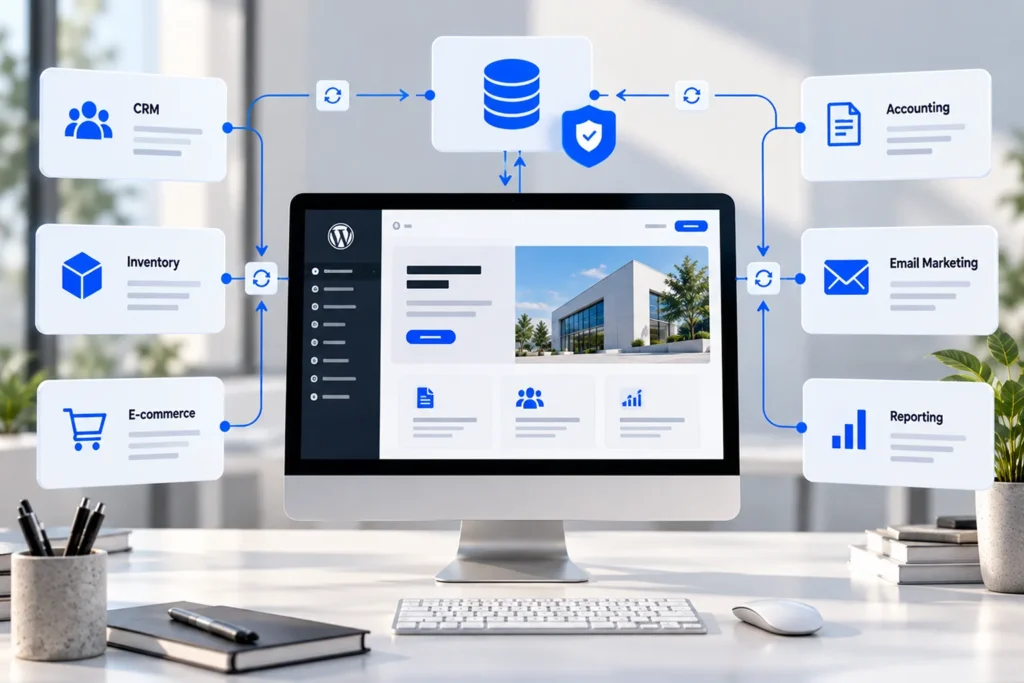
A simple enquiry form might eventually need to connect with a CRM. An online booking system could require custom availability rules. An e-commerce website might need complex product data synchronization or specialised pricing.
Adding new plugins can sometimes solve these requirements effectively.
However, combining numerous independent tools without a coherent workflow can introduce duplicate data, incompatible logic, and unnecessary administration.
When existing functionality is too fragmented to support the business reliably, rebuilding selected systems or restructuring the website may be more effective than continuing to add extensions.
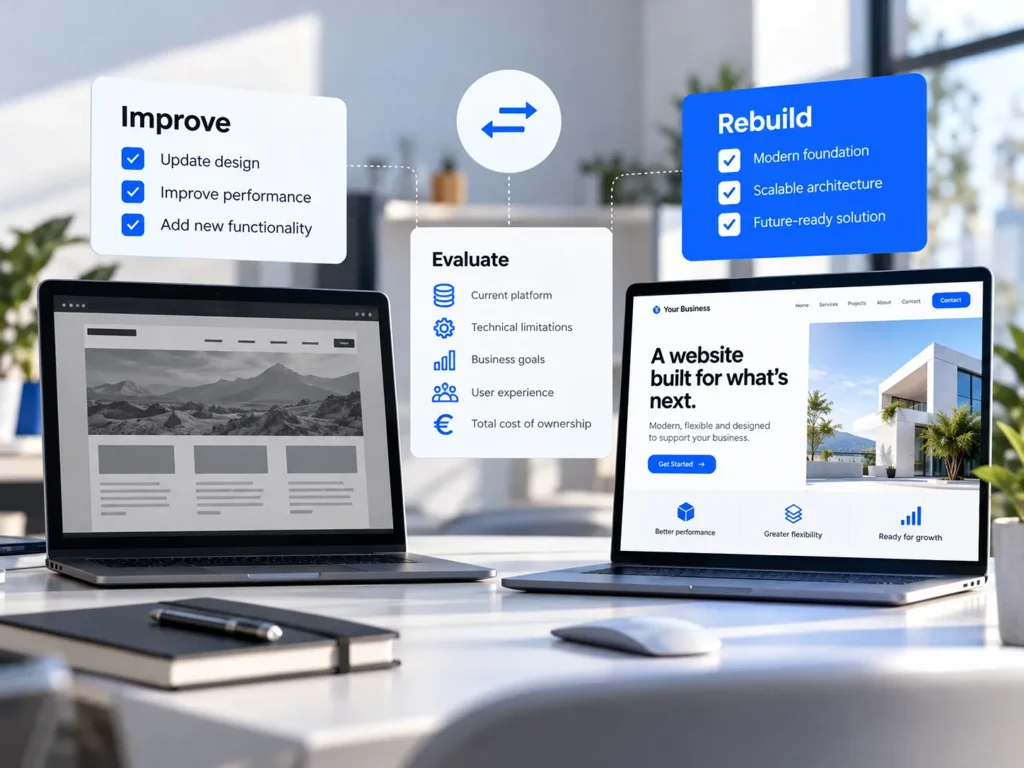
Understand the Difference Between Redesigning and Rebuilding
The terms website redesign and website rebuild are sometimes used interchangeably, but they describe different levels of intervention.
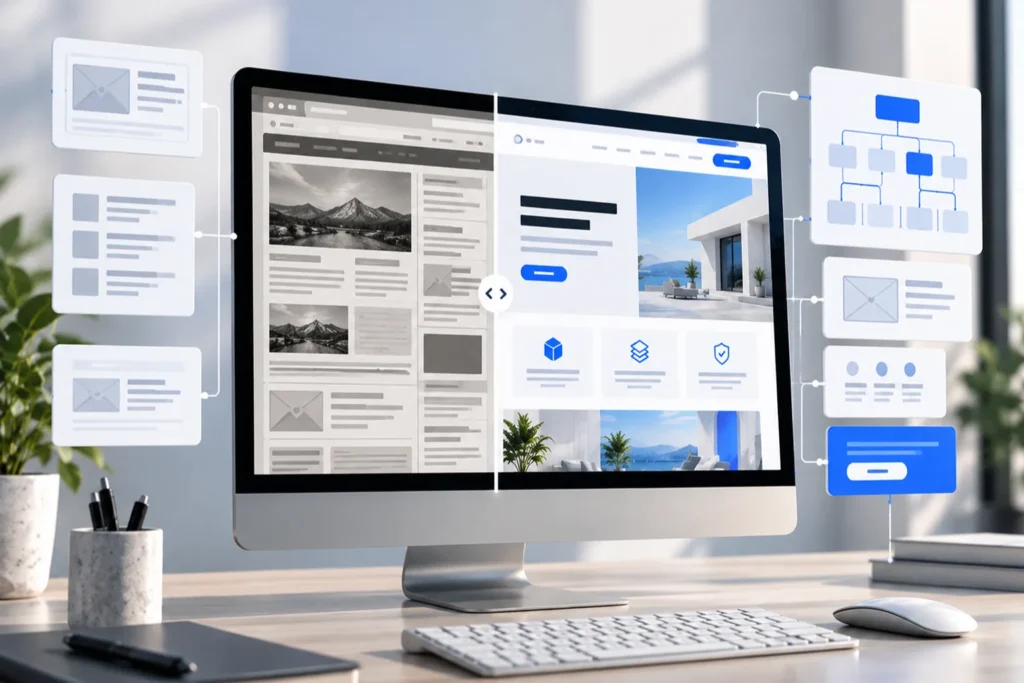
A redesign primarily changes the presentation and experience of a website while preserving much of its underlying structure.
A rebuild involves replacing significant parts of the technical or content foundation.
Neither approach is automatically better.
When Improving the Existing Website Makes Sense
Improvement is generally appropriate when the WordPress installation remains maintainable, important functionality works reliably, and the existing content structure can accommodate the required changes.
A business might retain its current theme framework while redesigning key pages, optimizing performance, improving accessibility, or replacing individual plugins.
This approach can reduce development costs and preserve working systems.
It can also minimize disruption, particularly when the website contains extensive content or integrations that would otherwise need to be recreated.
The main requirement is that improvements should solve the underlying problem rather than temporarily conceal it.
When a Complete Rebuild Becomes More Practical
A rebuild is more appropriate when the existing architecture prevents meaningful improvements.
Examples include dependence on an abandoned theme, extensive undocumented modifications, incompatible legacy functionality, or a content model that cannot reasonably support new business requirements.
Rebuilding may also be appropriate when the company needs a fundamentally different website structure or when maintaining the existing implementation requires repeated workarounds.
However, the decision should be based on evidence gathered during an audit.
Replacing an established website introduces its own risks, including data migration, broken integrations, and changes to search engine visibility.
A rebuild is justified when its expected long-term benefits outweigh those risks and the cost of preserving the current system.
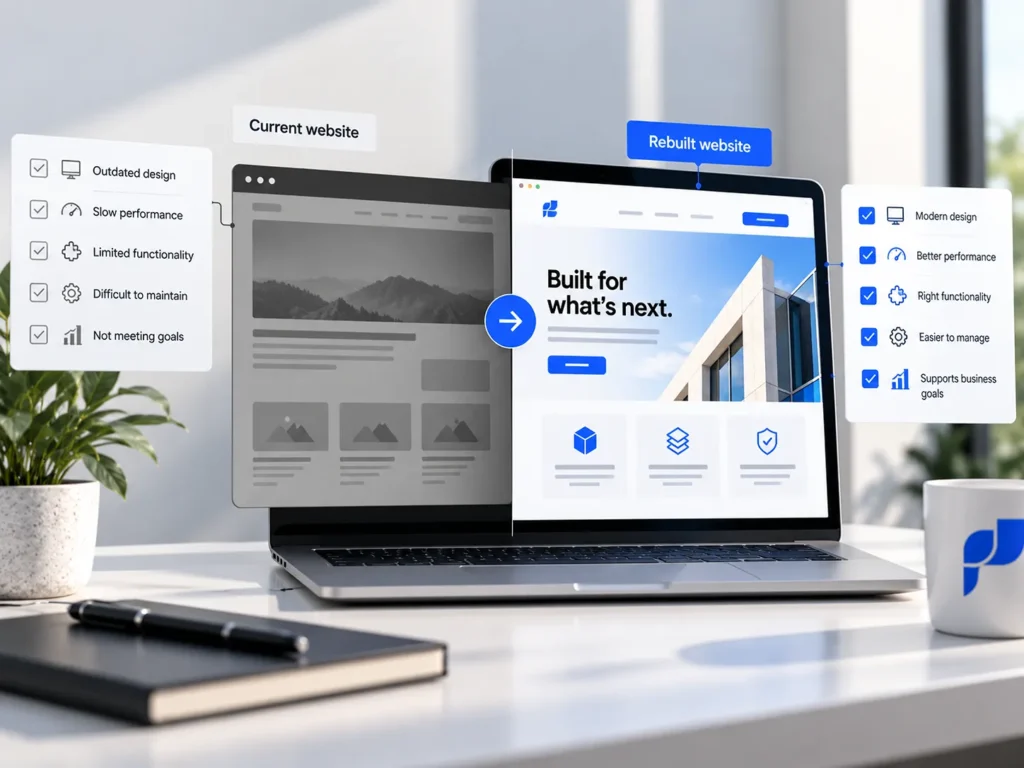
Compare Long-Term Costs Rather Than Initial Prices
Financial considerations often influence the decision to rebuild.
At first glance, improving an existing website usually appears less expensive because some work has already been completed.
That advantage can disappear when modifications require extensive investigation, compatibility fixes, or repeated development work.
The Hidden Cost of Maintaining a Difficult Foundation
Consider a website that requires custom adjustments every time a plugin is updated.
Individual changes may seem minor, but the accumulated cost includes development time, testing, unexpected interruptions, and additional maintenance.
If every new feature requires workarounds because the underlying implementation is unsuitable, continuing to preserve it may become commercially inefficient.
A rebuild involves a larger initial investment, but it may reduce future maintenance costs when it replaces genuinely problematic architecture.
This outcome is not guaranteed. Poorly planned rebuilds can reproduce the same difficulties.
The comparison should account for development, content migration, ongoing maintenance, future requirements, and the operational cost of potential disruptions.
Avoid Rebuilding Functionality That Already Works
A rebuild does not necessarily require replacing everything.
Existing content, media, integrations, and even individual components may be reusable.
For example, a custom post type can sometimes be retained while its frontend templates are completely redesigned.
Similarly, a reliable CRM integration may continue operating even when the rest of the website receives a new structure.
Selective preservation reduces unnecessary development work and allows investment to focus on areas that genuinely need improvement.
Protect SEO and Existing Content During a Rebuild
Search visibility is an important consideration when rebuilding an established website.
A website may already receive relevant visitors through search engines, contain useful articles, and attract links from external websites.
Replacing pages without understanding this existing value can create avoidable problems.
Preserve Relevant URLs Wherever Possible
A visual redesign does not require changing every page address.
When a page continues serving the same purpose, retaining its existing URL is often the simplest approach.
If URL changes are necessary, they should be mapped carefully so that old addresses redirect to appropriate new destinations.
Google’s official guidance on site moves with URL changes recommends preparing the new website, testing it thoroughly, mapping URLs, and implementing suitable permanent redirects.
Google also notes that search visibility may fluctuate temporarily during a migration.
Google for Developers
This is why migration planning should begin before development is completed rather than being handled immediately before launch.
Treat Content Migration as a Separate Responsibility
Moving WordPress content involves more than copying text and images.
Internal links, custom fields, taxonomies, media references, metadata, and relationships between content types may all need attention.
For example, project pages might reference specific services, while product information may rely on custom fields or integrations.
A successful migration preserves these relationships or deliberately replaces them with a better structure.
The goal is not merely to move content into a new installation. It is to ensure the migrated content remains accurate, accessible, and properly connected.
Plan a Rebuild Without Disrupting Business Operations
When a rebuild is necessary, implementation should follow a controlled process.
Developing directly on a live business website can introduce unnecessary risks, particularly when the installation handles orders, enquiries, or operational data.
Build and Test in a Separate Environment
A staging or development environment allows changes to be implemented without immediately affecting the public website.
It provides space to evaluate new templates, test plugins, check custom code, and validate important user journeys.
Before any migration, the existing website should also have reliable backups covering both its files and database.
The WordPress backup documentation explains why both are required for effective recovery.
For WooCommerce websites or systems receiving frequent updates, extra attention is needed because orders, customer records, and other live data may continue changing while the replacement website is being developed.
A final deployment must account for that changing information rather than simply overwriting the live database with an older staging copy.
Validate the Website Before Launch
Testing should cover more than appearance.
Forms, payment processing, account functionality, email notifications, accessibility, mobile layouts, and third-party integrations should all be verified where relevant.
Redirects, metadata, canonical URLs, and indexability settings also require attention.
A visually completed website is not necessarily operationally ready.
For a business with important integrations, the final launch plan should include responsibilities, a suitable deployment window, monitoring, and a rollback procedure where technically feasible.
Make the Decision Based on Your Next Business Requirements
The European digital economy provides useful context for why businesses need to think beyond the immediate appearance of their websites.
According to Eurostat’s Digitalisation in Europe 2026 publication, 71% of EU small and medium-sized enterprises reached at least a basic level of digital intensity in 2025, compared with an EU target of more than 90% by 2030.
This measure covers the adoption of digital technologies more broadly, not the quality of individual websites. Nevertheless, it reflects the importance of developing sustainable digital capabilities as business requirements evolve.
Eurostat
A WordPress website should be evaluated in the same way.
The question is not whether it uses the newest visual trends or whether its design is several years old.
The more useful question is whether it can support the business over the next few years without excessive complexity.
Choose Improvement When the Foundation Is Sound
If the existing installation is secure, maintainable, and structurally appropriate, improving it may provide better value.
Targeted changes can make the website clearer, faster, more accessible, and better aligned with current business needs.
A complete rebuild in this situation may introduce costs and risks without delivering proportionate benefits.
Choose a Rebuild When the Foundation Is Holding You Back
When outdated architecture, incompatible functionality, or structural limitations repeatedly prevent progress, rebuilding may become the more responsible long-term decision.
This does not mean discarding everything that already exists.
It means identifying what should be preserved, what needs replacing, and how the new implementation can avoid repeating the weaknesses of the previous one.
Improve What Works and Rebuild What Does Not
A WordPress website should not be rebuilt simply because it has become visually outdated.
Likewise, a business should not continue investing in an unsuitable technical foundation purely to avoid the initial cost of replacement.
Both decisions require a clear understanding of the existing website and the company’s future requirements.
A thorough audit can reveal which problems are isolated, which systems remain valuable, and where structural changes are genuinely necessary.
At Designite, we approach WordPress website development with this distinction in mind. Our work focuses on building and improving websites that support business operations, whether that involves targeted development, custom functionality, or a more substantial rebuild.
If you’re unsure whether your current WordPress website is worth improving, contact Designite to discuss its limitations and the changes your business needs.
The objective should always be the same: investing in a website foundation that makes future improvements easier, not more difficult.